Member polls your board can act on
Executive directors use ChatterPoll to ask members one question at a time, then read the reasons behind the votes. Members can save their answers and come back when the question changes.
Members finish it
One question per screen on a phone, with a reason chip instead of a paragraph to write.
Reasons beside the votes
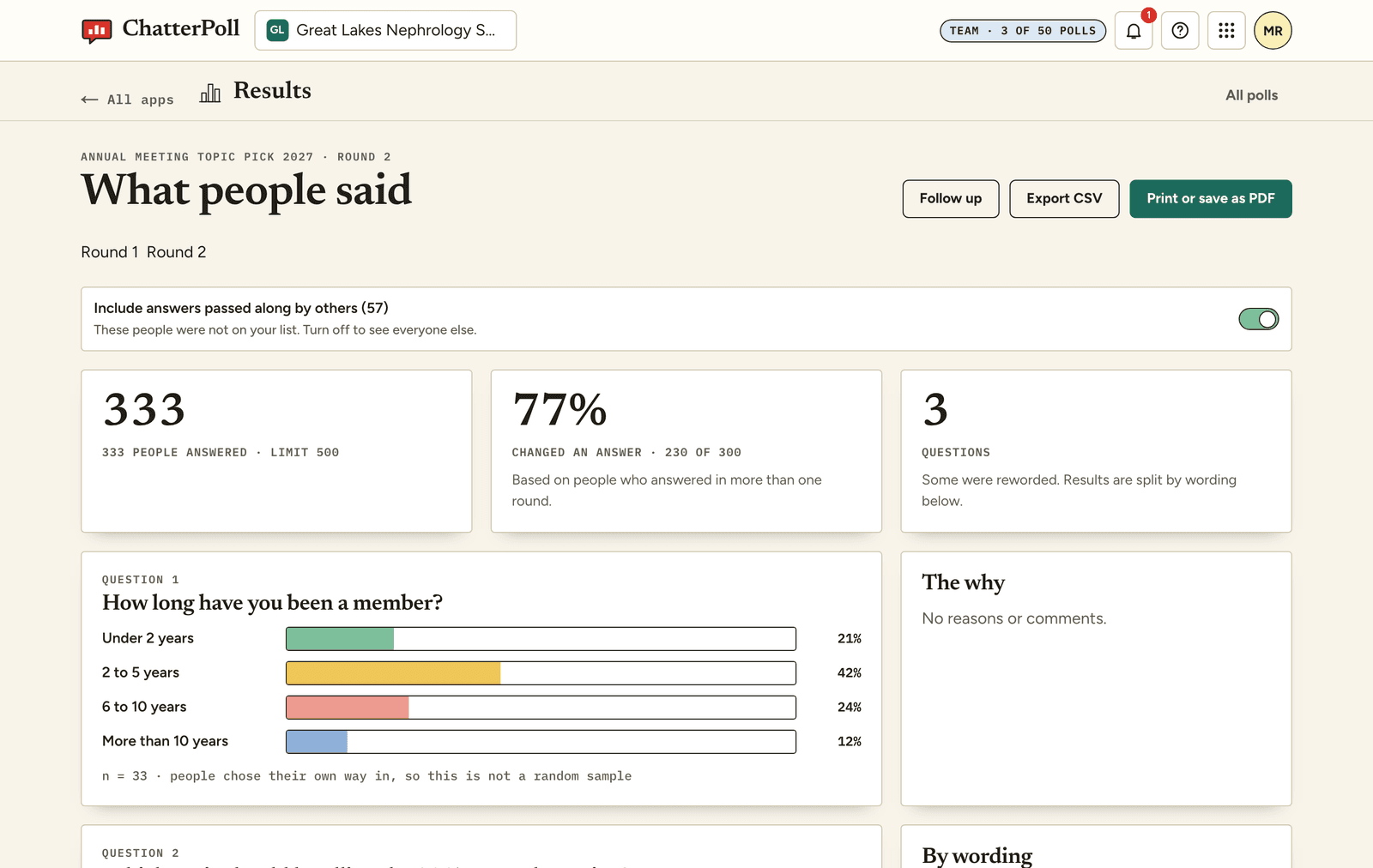
A bar chart tells you what won. The grouped reasons tell you why, and which wording confused people.
Ask the same members again
Reword a confusing option, add a briefing and re-poll. See who changed their mind and what moved them.
Your society's name on it
Your organization's name, initials and color appear on the poll. You decide who sees the results.
Start from a template
Questions about this use.
Can members stay anonymous?
Yes. You choose the identity level for each poll. In the default level you see counts and comments, never a name or an email.
Can we send the poll to our member list?
Yes. Import a list or paste emails and send an invitation under your organization's name. Each poll has a link, a QR code and a short code as well.
Create your first poll.
Start with a template or write your own. It takes about two minutes.